 doc2.0
2. Dashboard
2.1. Transaction Monitor
Transaction monitor is available at the top of the page for general statistics:

This monitor contains the following blocks:
|
The sum of all successful sale, capture, reversal (refund) and transfer operations |
Declined,filtered and verify |
The number of operations of the aforementioned types with the corresponding status |
|
The number and amount of successful chargeback and prearbitration operations |
|
The number and amount of successful fraud operations |
|
The number and amount of successful reversal and void operations |
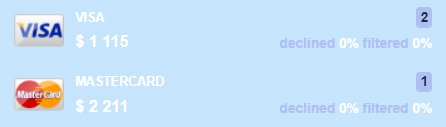
To view the analytics detailed by each payment method, click the pointer on the right side of the relevant block:
2.2. Analytics
Data Scope
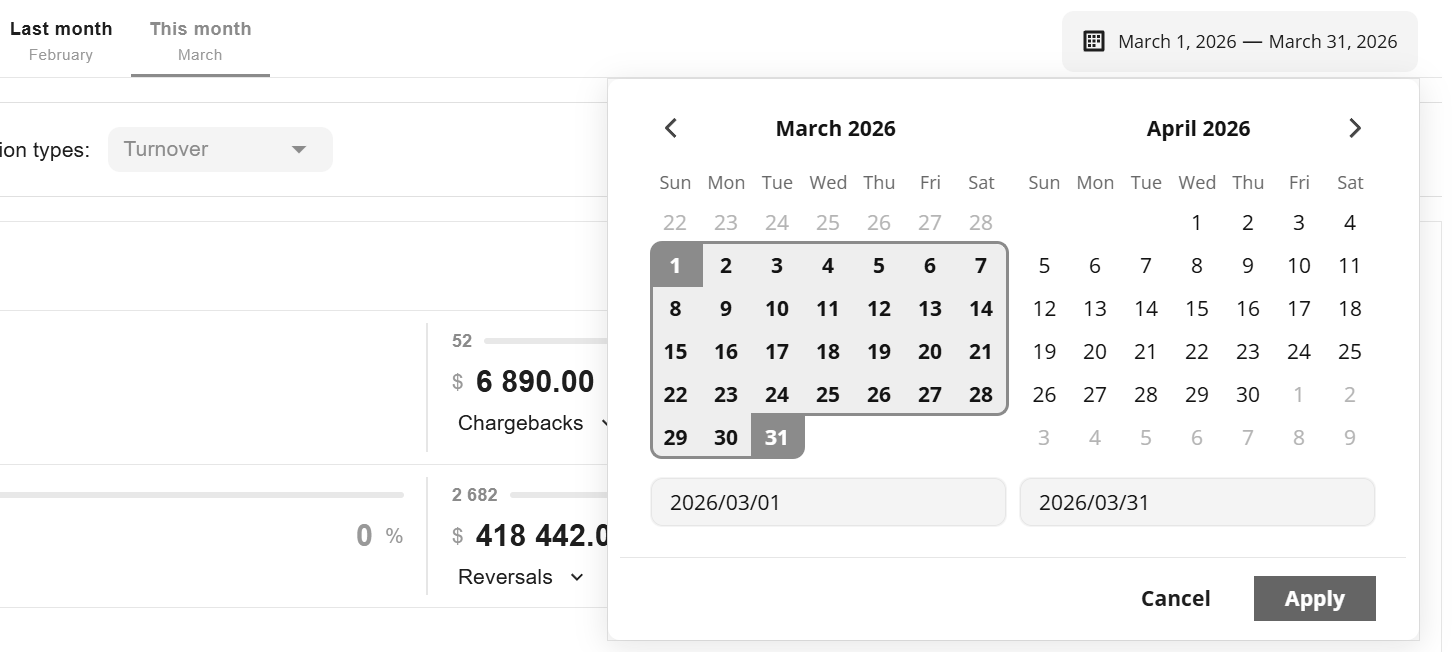
To change the range of statistics, use the switches:

Set the desired date range in the pop-up calendar:
Data for graphs can be sorted using the Add filter button:
Currencies, payment methods, as well as endpoints, projects and other data can be specified for analysis. Here is the example of the payment method selection to construct the chart:
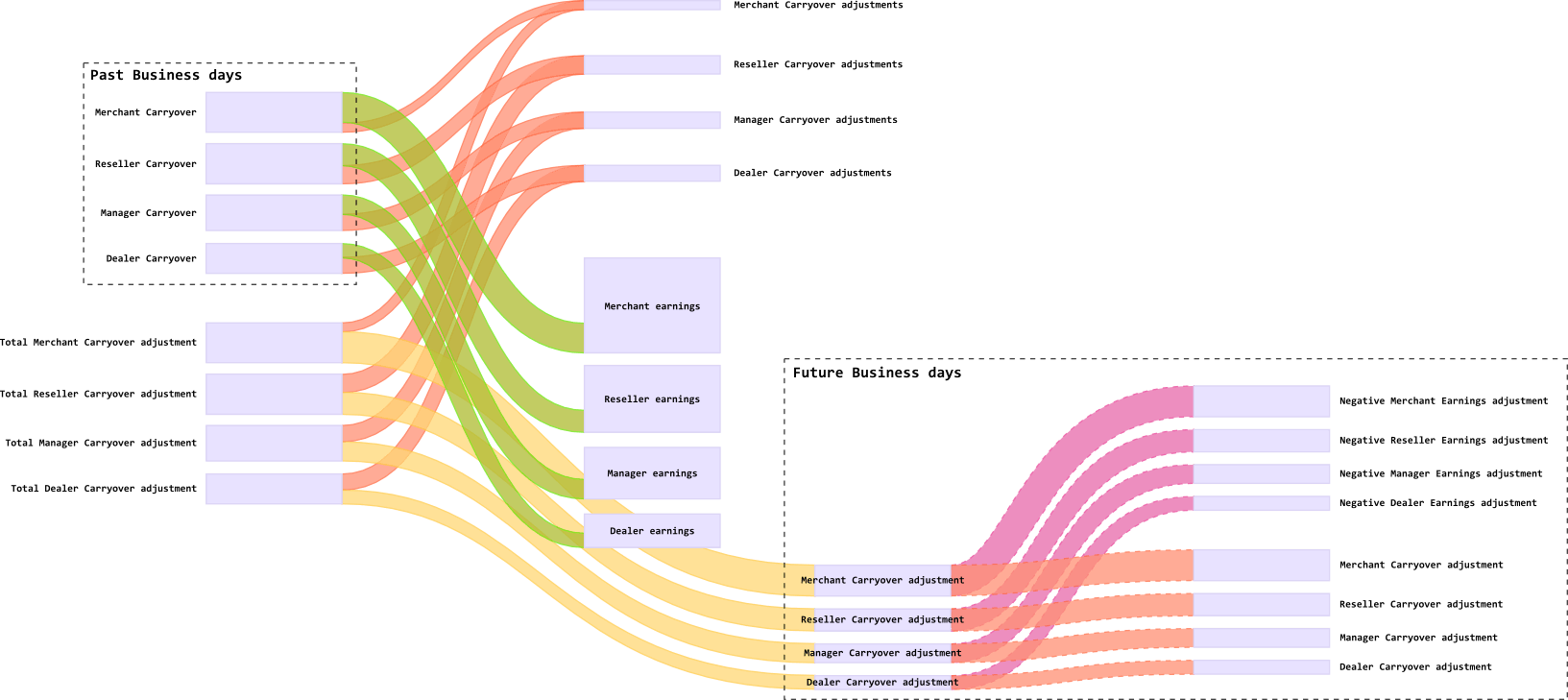
Charts bundle
Approval Ratio
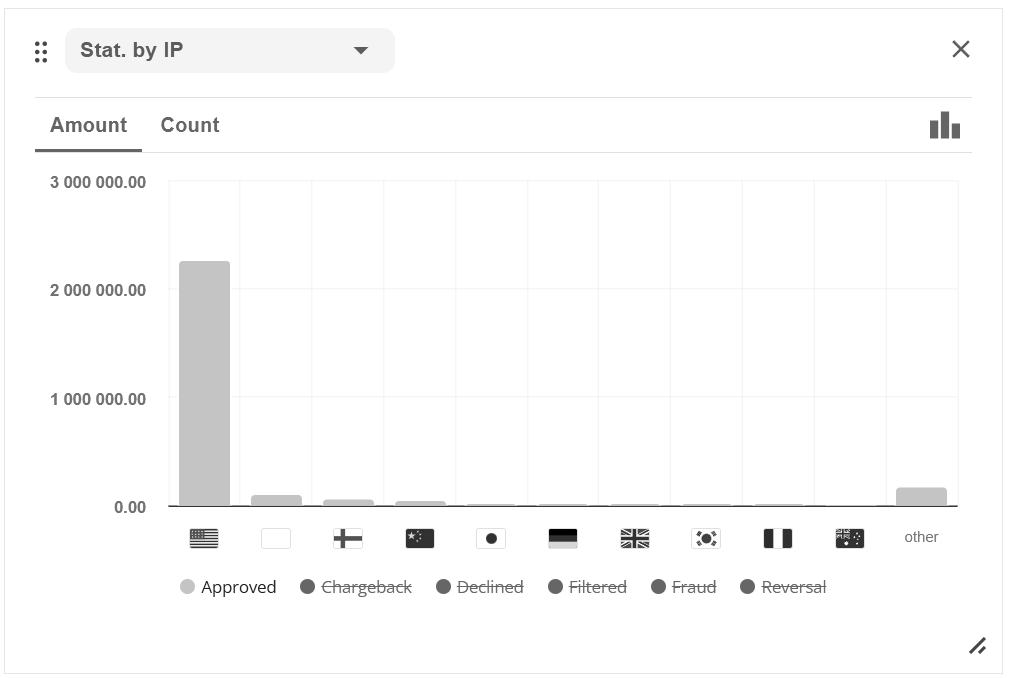
Transactions By Country
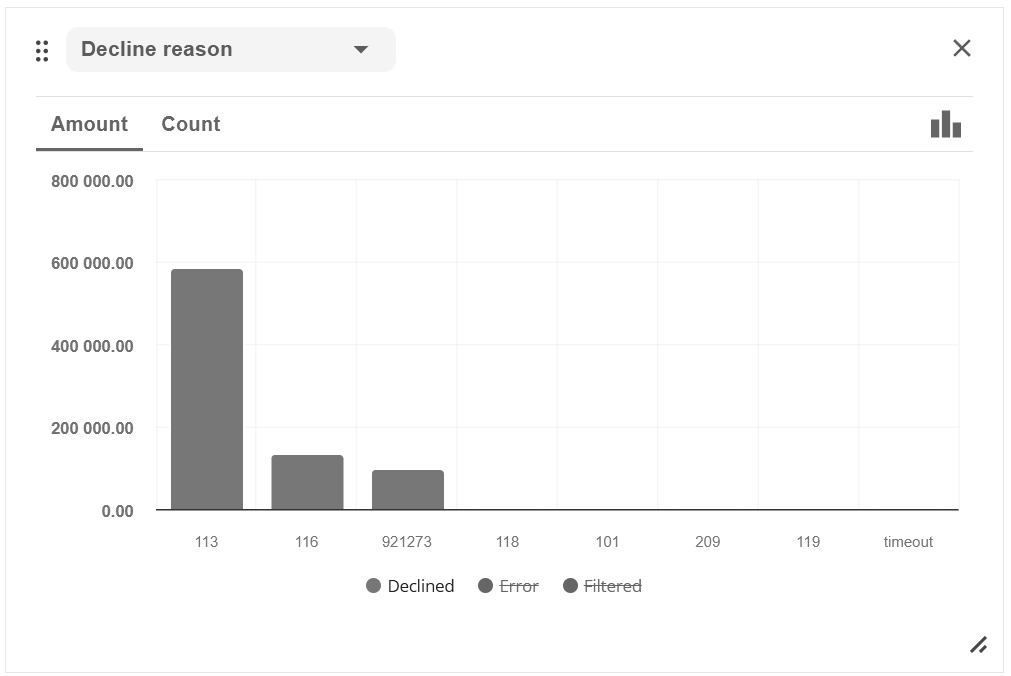
Transaction Decline Reasons